
CHARAT Gyaru Maker
- |
- Gallery
- |
- How to Play
- |
Gallery
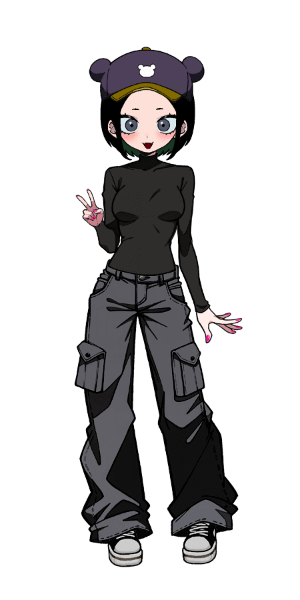
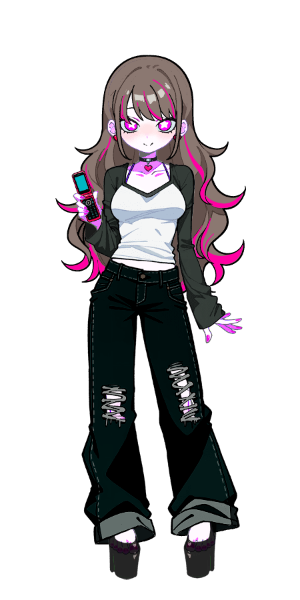
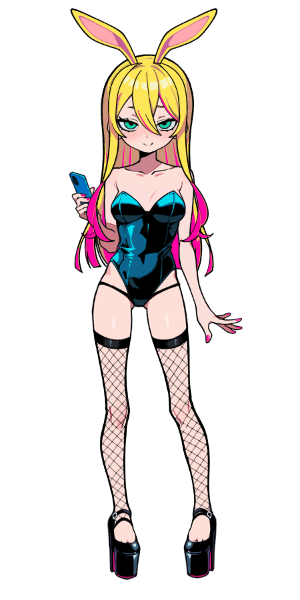
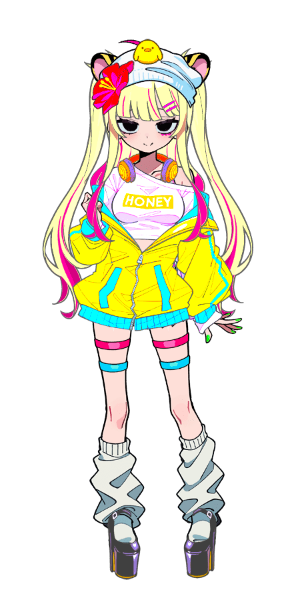
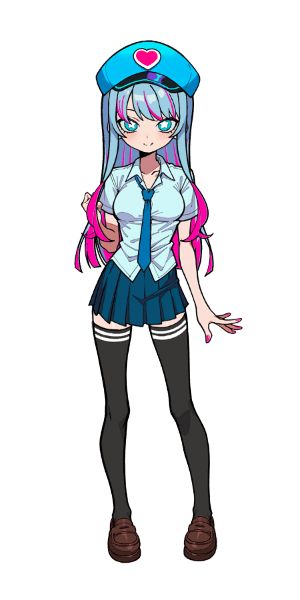
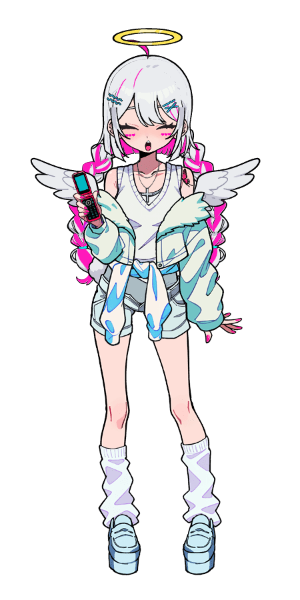
Create your own cute original icon!
Note: All icons shown are shared by users.


 6
6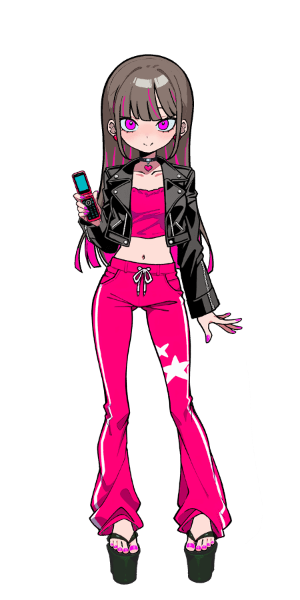 6
6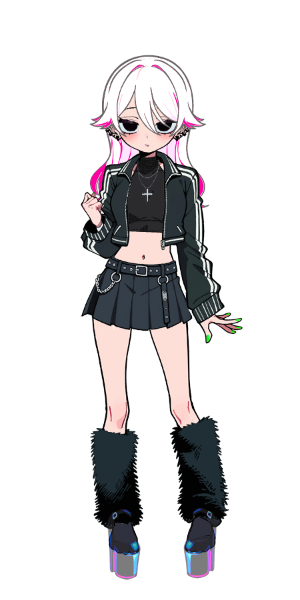 4
4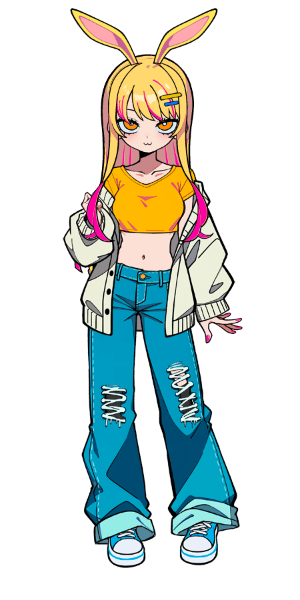
 4
4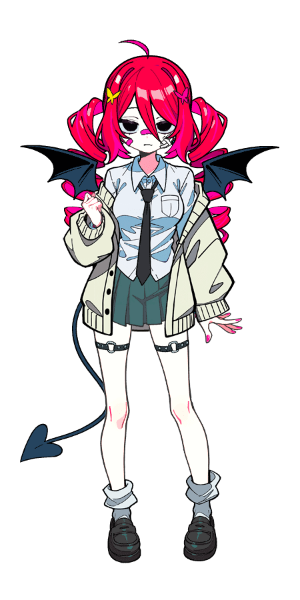
 Learn More
How to Play
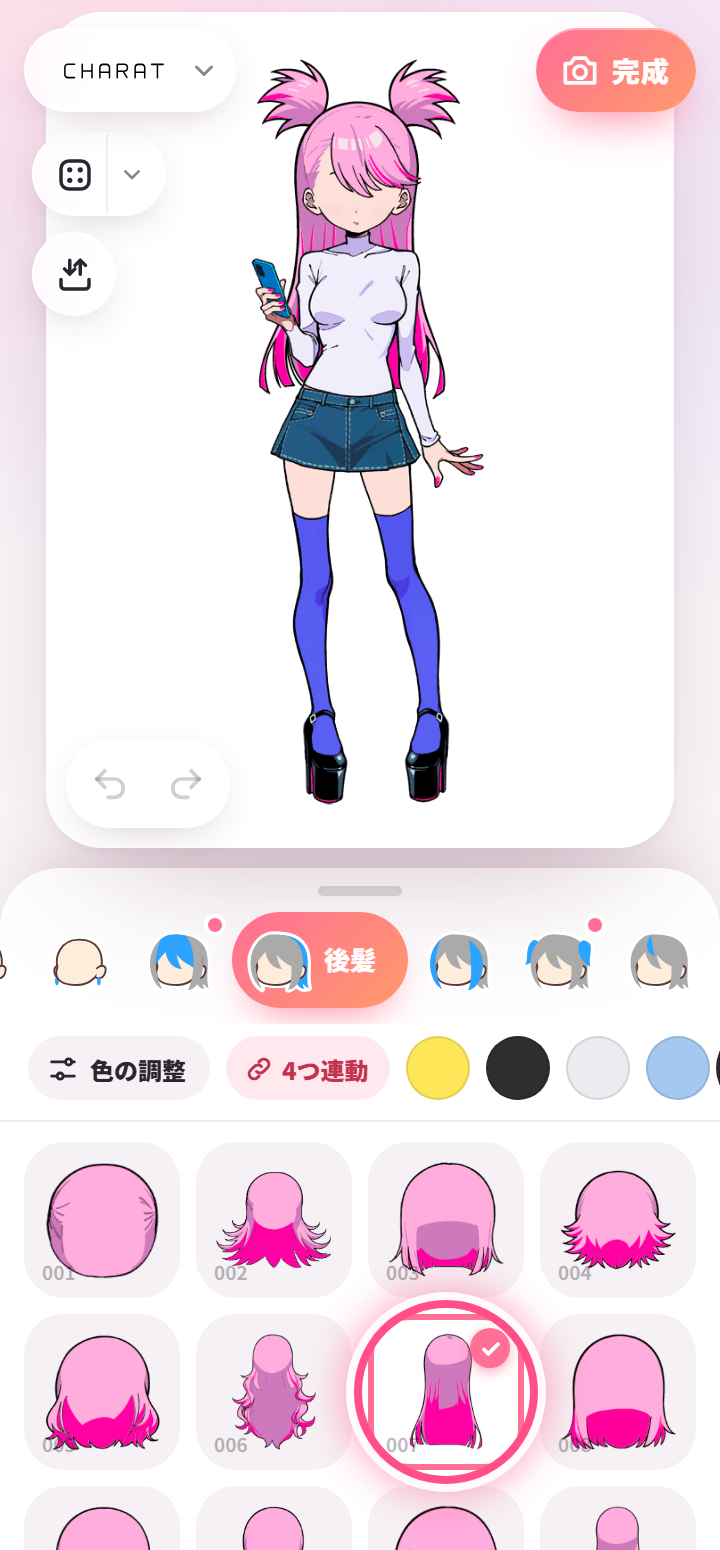
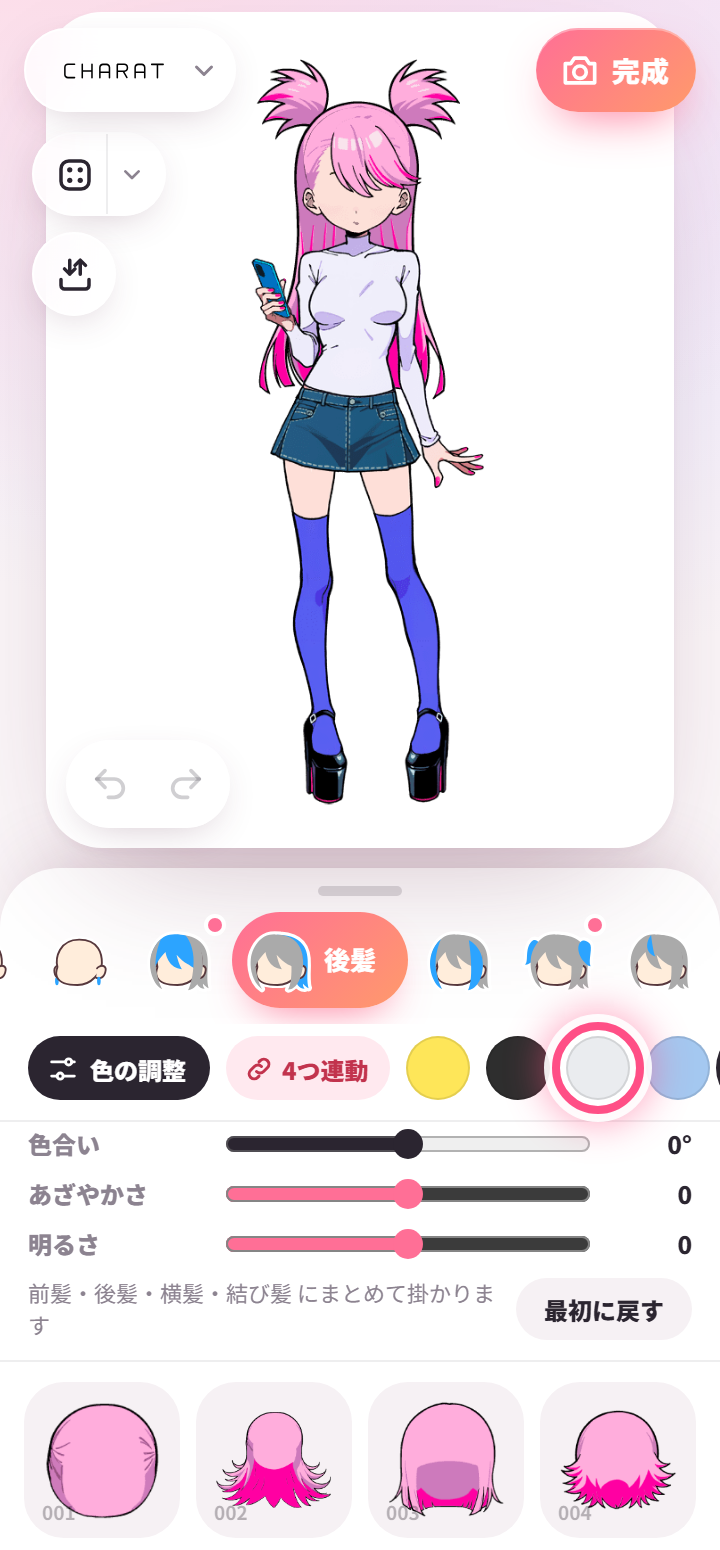
Choose a category from the row below and tap a part to put it on. Tap a part you’re wearing again to take it off.
Tap a color to change the part’s color. “Adjust color” also changes hue, saturation, brightness and opacity.
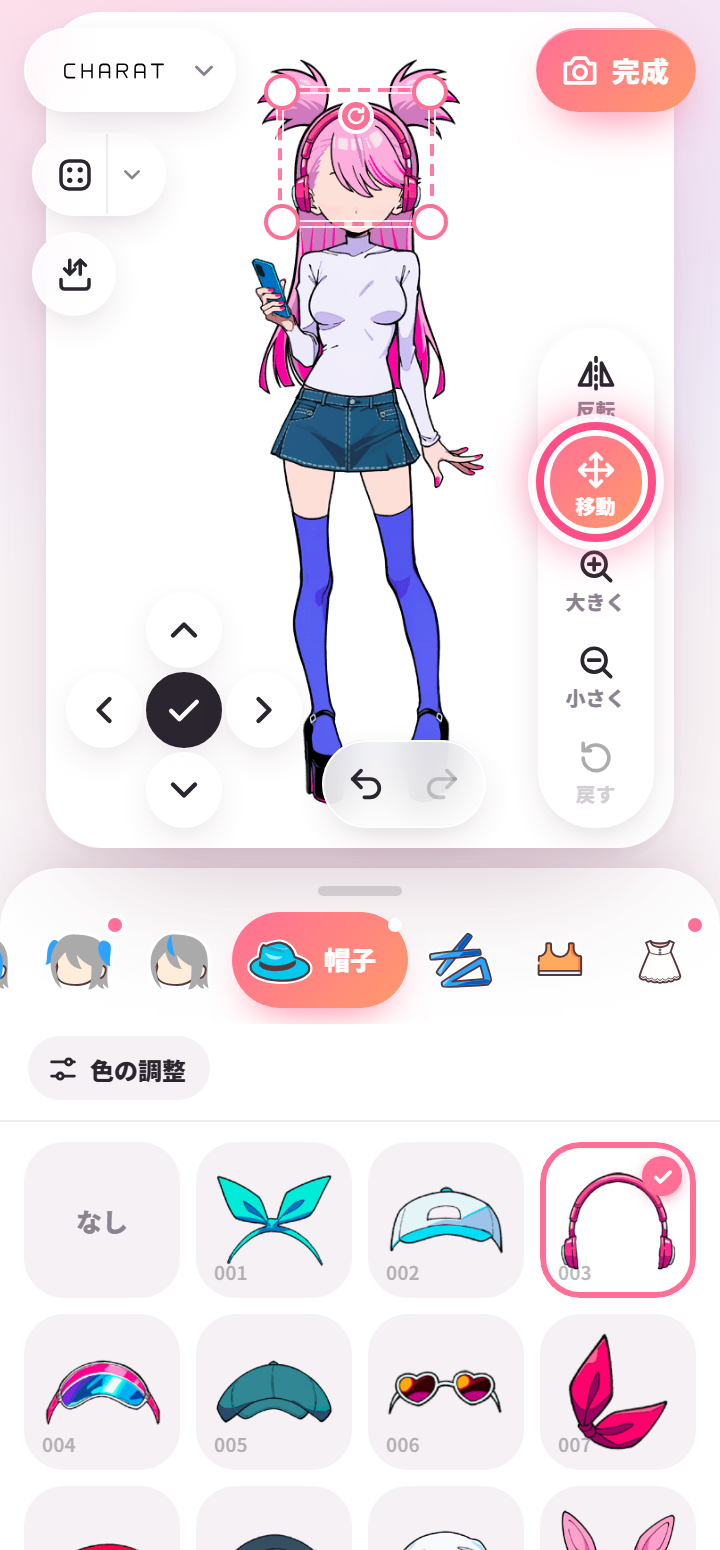
Move hats and accessories with “Move”: drag on the character, use the corners of the frame to resize and the top handle to rotate. Made a mistake? Undo with ↶ at the bottom left.
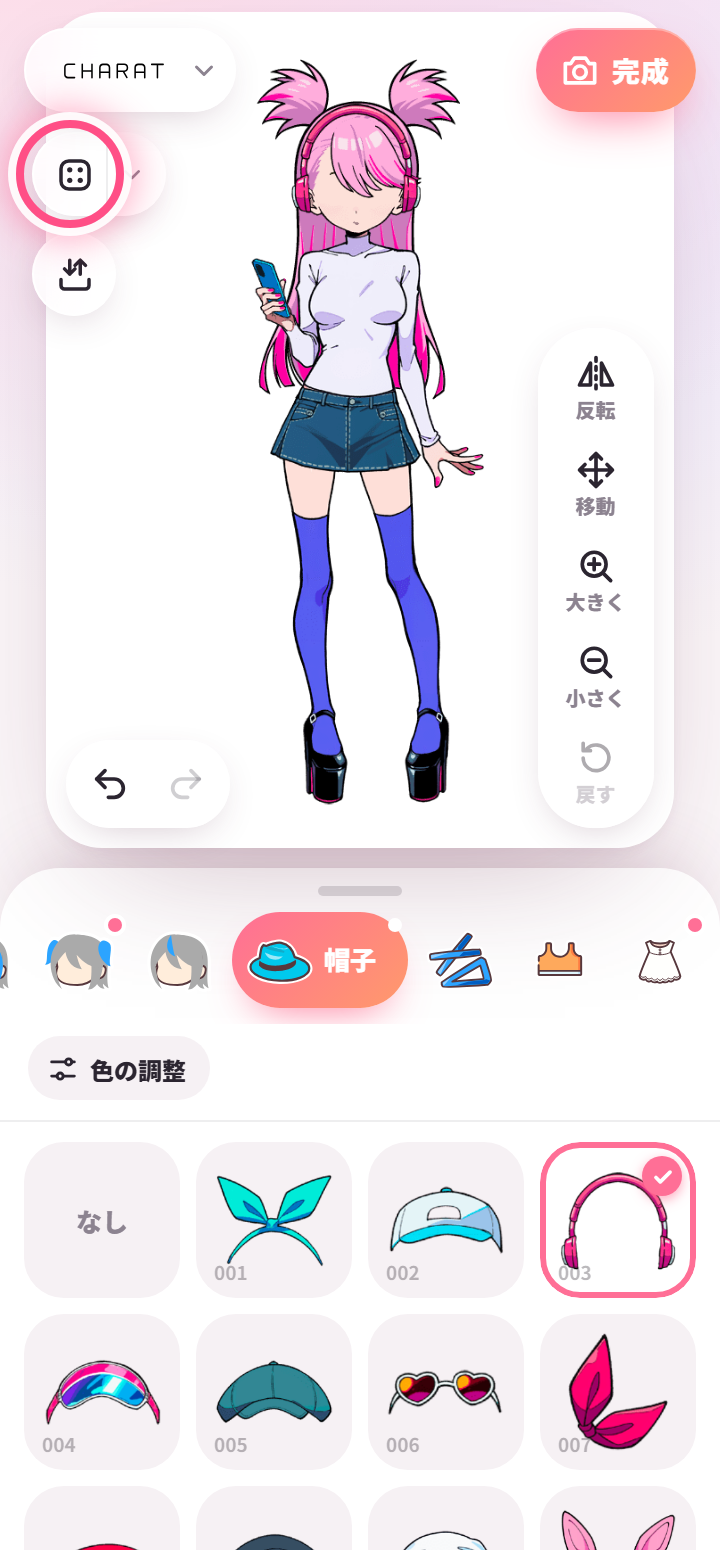
Roll the dice for a random outfit. Use ▾ next to it to choose how colors change and which categories stay the same.
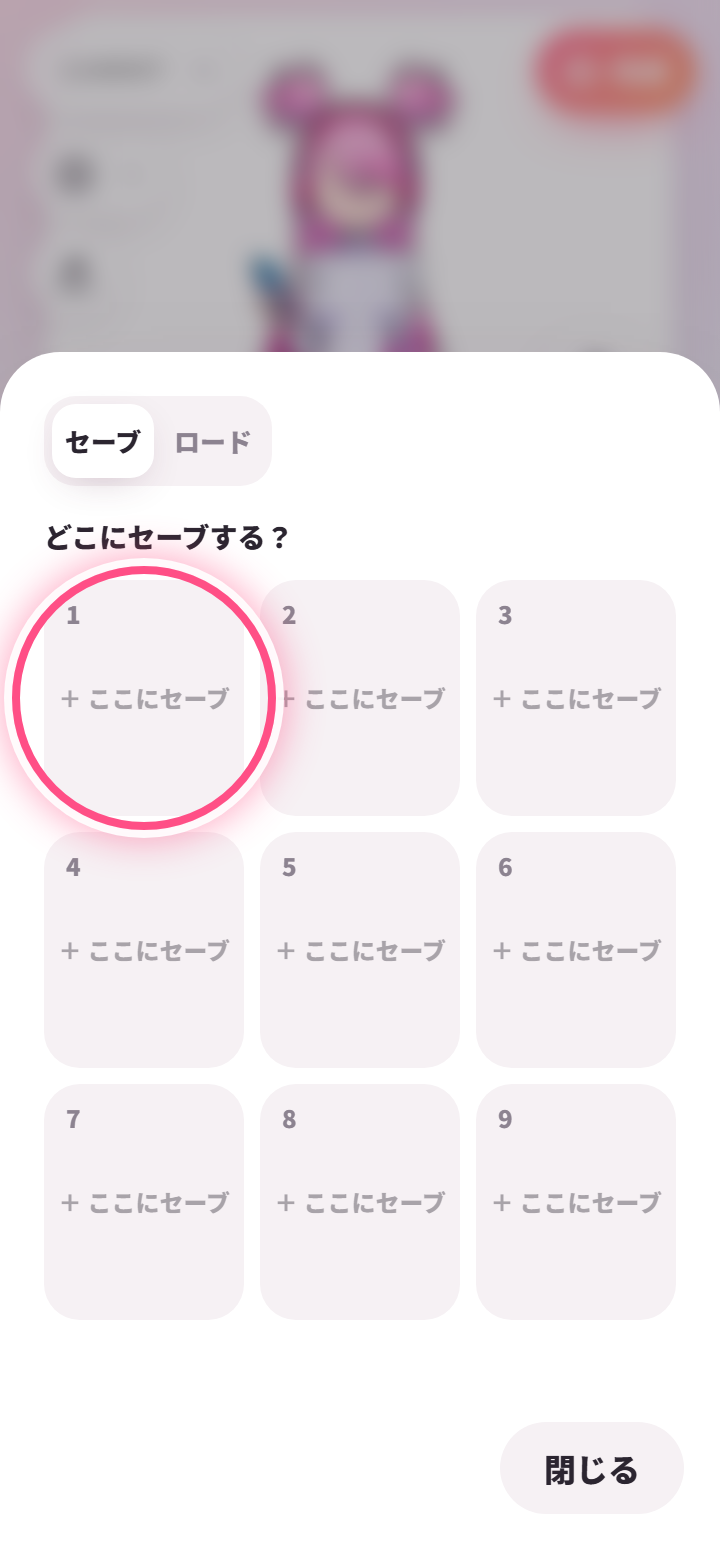
Keep up to 9 of your characters with “Save / Load”.
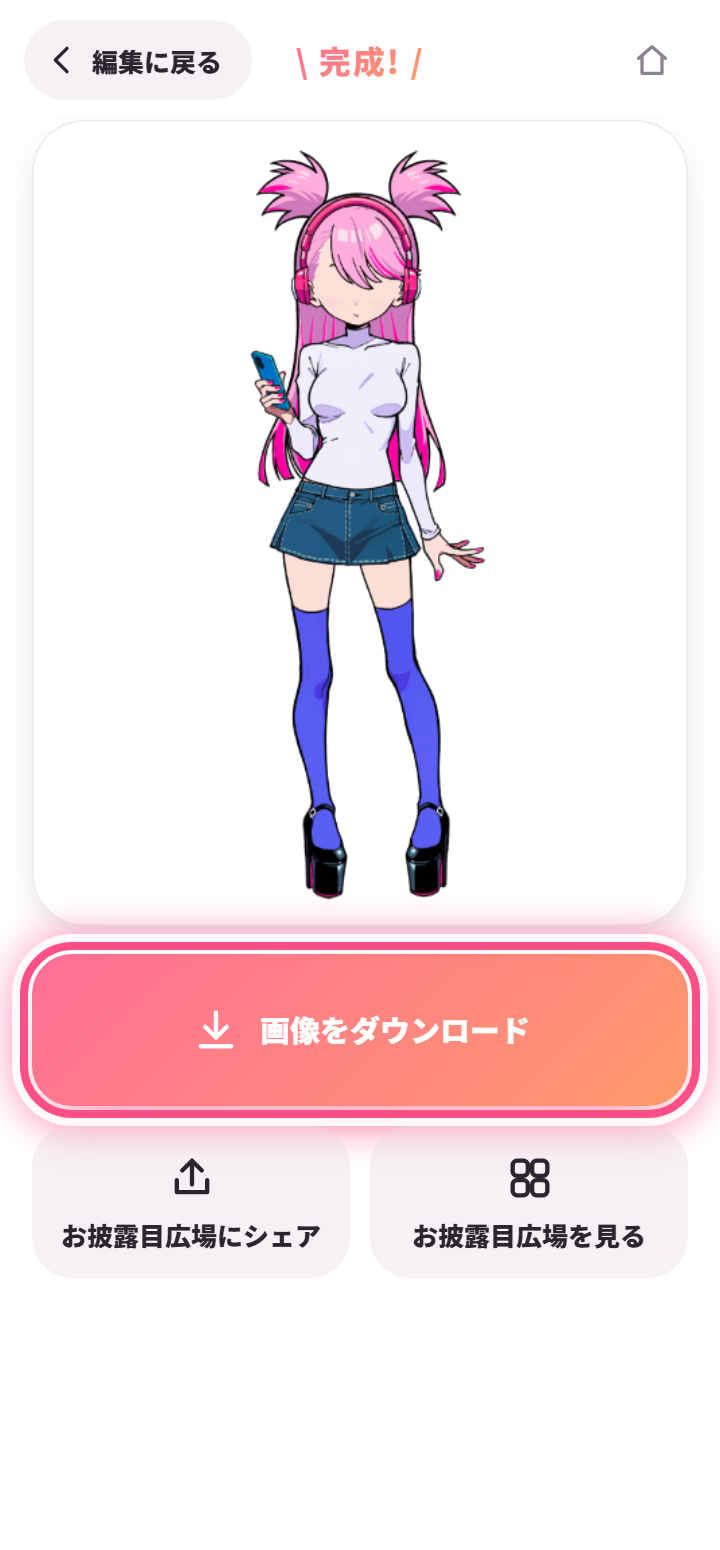
When you’re done, press “Done” and download the image. You can also share it to the gallery.


 Create New